
Managing Your Habits
Life changes. Your habit list should change with it. This page covers the ways to edit, pause, reset, retire, or delete a habit.
Editing a Habit
Almost everything about a habit is editable after creation:
- Identity - name, description, icon.
- Category - can be changed, but note that changing the category changes the class of the soldier or demon the habit produces.
- Schedule - completion goal, interval type (per day / week / month), show days, habit unit. See Intervals & Show Days.
- Stat contributions - which real-life stats the habit feeds. Changes affect future logs only; existing history is left untouched.
- Reminder time - daily notification that only fires on scheduled show days.
The two things you cannot change:
- Good vs bad. Permanent at creation. To swap, delete and recreate.
- Creation date. Set when the habit was born.
Pausing a Habit (Retirement)
If you need to step away from a habit temporarily - or permanently, but don't want to lose the history - set an end date. A retired habit:
- Stops appearing in your daily list from the end date forward.
- Keeps every completion log, the soldier, the level, and the stats intact.
- Doesn't count against your habit slot limit.
- Silences its pending reminders.
Retirement is reversible. Clearing the end date - or pushing it into the future - brings the habit back.
Retire instead of delete
If you're ever tempted to delete a long-running habit because life changed, retire it first. A retired habit can come back with its streak, level, and soldier intact; a deleted one can't.
Resetting a Habit
A reset starts the habit fresh from today. Completion history is wiped, HP returns to the default starting level, the soldier's level goes back to 1, the streak is cleared. The habit's identity - name, description, stats, category, icon - is preserved.
Use it when you want a clean slate on a habit you're committed to, without creating a new one.
Browsing the Premade Habit Library
Instead of designing a habit from scratch, you can adopt one from the premade library- a curated catalogue of habits the Scope team has authored, each with a banner image, description, and recommended schedule.
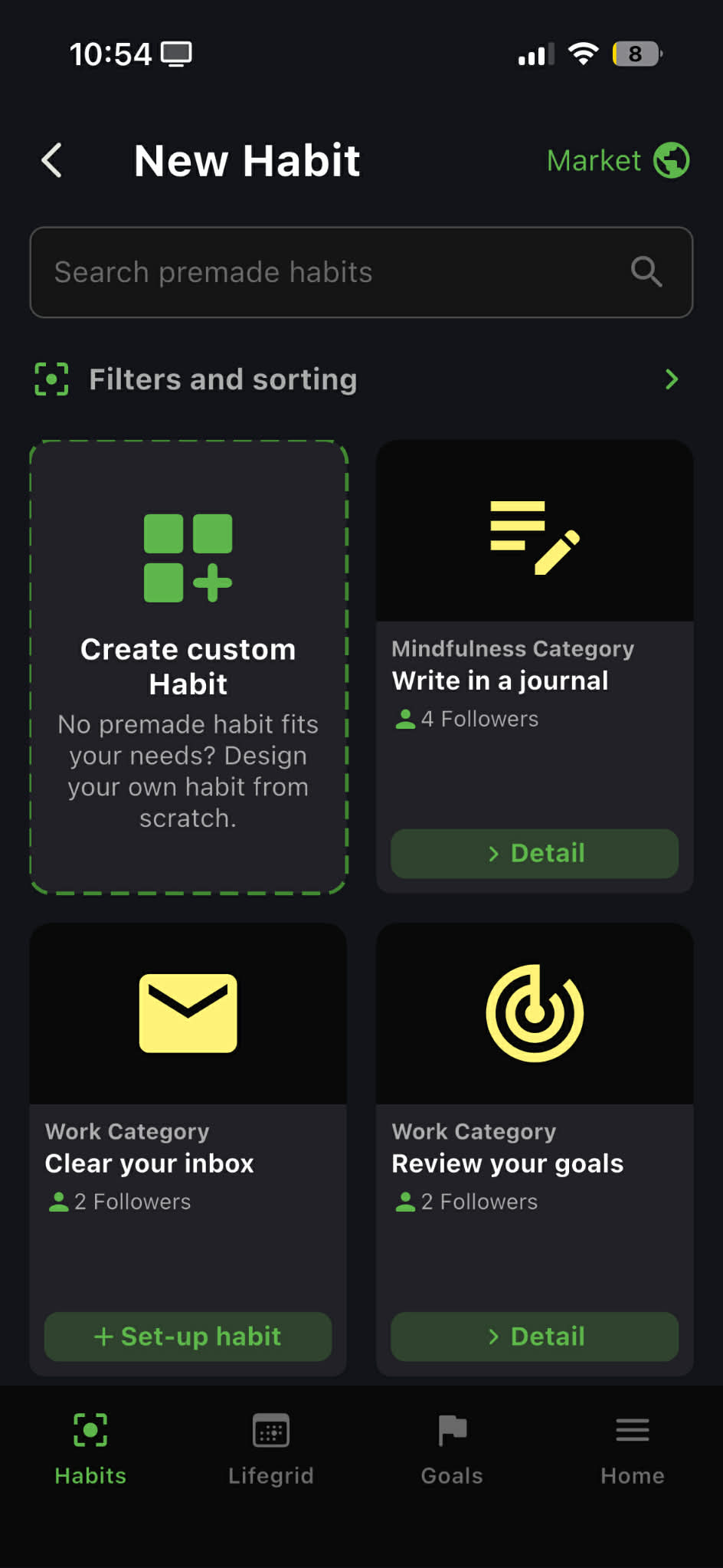
Unlinking from a Premade Habit
If your habit was adopted from a premade in the library, it stays linked to that template by default. Updates to the template from its author will propagate to you.
Unlinking makes your copy fully independent - no future updates flow in, and the habit is entirely yours to customize. Unlinking is irreversible; there's no re-linking.
Deleting a Habit
Deleting a habit removes it, its completion history, its soldier, and all its links to goals and journals. A deleted habit is gone for good - there's no undo.
A deleted soldier is gone forever
Deleting the habit deletes the soldier behind it - its level, its skill-point allocations, everything. If you've built up a soldier you care about, retire the habit instead.
Slot Limits
Your number of active habits is capped by your avatar's level. You start with a modest number and unlock more as you level up; eventually the cap lifts entirely. When you're at the cap, you'll see a banner on the habit list and new habits can't be added until you free a slot by retiring or deleting one.
Related Pages
- Creating a Habit
- Intervals & Show Days
- Habit Soldiers
- Premade Goals - premade habits often arrive via goals