
Timers & Journey View
Activating a quest starts a timer. While the timer runs, the board page is replaced with a journey view - a fullscreen landscape shot showing where your party is travelling. When the timer ends, the fight begins.
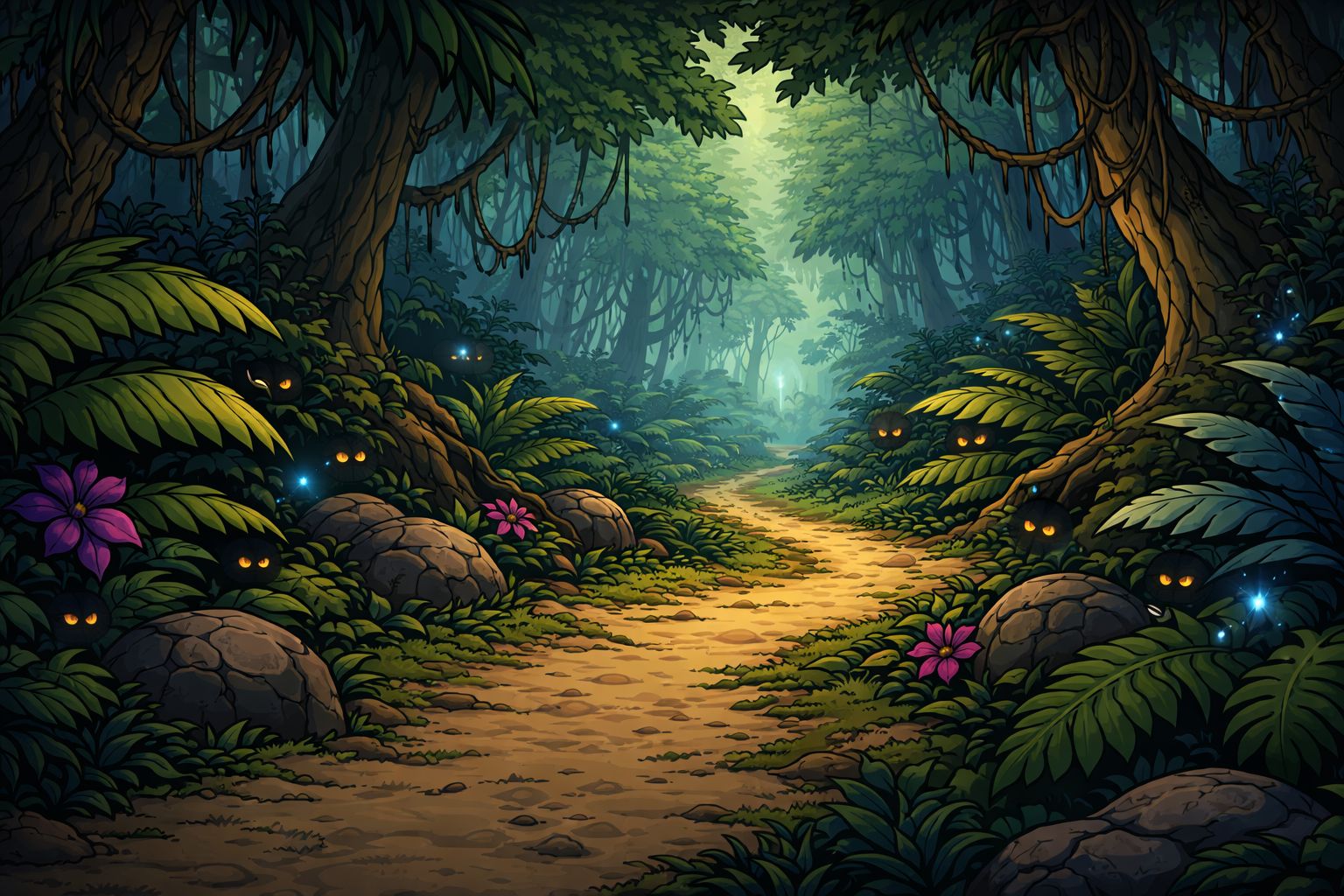
Activation
Tapping "Activate" on a quest card does three things:
- Spends one quest pass.
- Starts the timer for the quest's rolled duration.
- Schedules a local notification for when the timer expires (if you have quest notifications enabled).
A quest can only be activated if you have a pass and no other quest is currently active. One quest active at a time is a hard rule enforced at the service layer, not just the UI.
Timer Lengths by Quest Type
The quest's timer is rolled at generation within its template's range:
| Quest Type | Timer Range |
|---|---|
| Boss-only | 5–20 minutes |
| Multi-phase | 20–60 minutes |
The rolled value is fixed for the life of the quest - it's visible on the card before you activate. You know what you're committing to.
Longer timers pay more gold. See Quest Rewards.
The Journey Screen
Once activated, the entire board page is replaced with the journey view. You can't see or interact with other quests until the active one resolves - narratively, your avatar has left town and is travelling to the quest location.
The journey view shows:
- The quest's fullscreen journey image, with a dark gradient overlay.
- The quest's name and short description.
- A progress bar filling from left to right as time passes.
- An inline countdown (
HH:MM:SS). - A Cancel Quest button, always visible.
The countdown ticks in real time. The progress bar and countdown are both driven by the quest's end time, so if you close the app and come back later, the state is exactly where you left it.
What Happens at Zero
When the timer reaches zero:
- The countdown is replaced with a "Ready to Fight" label.
- A Start Battle button appears.
- If you had a quest notification enabled, your device gets one.
The quest sits in this ready-to-fight state indefinitely. There's no penalty for not starting the fight immediately - the quest waits for you until midnight or until you cancel it.
Cancelling a Quest
The Cancel Quest button is available throughout the journey - during the timer and after it expires. Cancelling:
- Clears the timer. The quest returns to its pre-activation state on the board.
- Returns the pass. You can re-activate this quest or a different one.
- Cancels any scheduled notification.
The trade-off: you lose the real-world minutes of timer progress you spent. You can re-activate immediately, but the new timer starts fresh.
Cancel exists so long timers don't feel punishing
Without a cancel option, activating a 60-minute quest with no way out would feel like getting stuck. Since re-activation still costs a pass, there's no abuse potential - cancelling is just a safety valve for "I changed my mind."
Notifications
A local notification fires when the timer ends:
- Title: "Quest Ready!"
- Body: "[Quest name] - ready to fight!"
Notifications respect a global setting - you can disable them in your preferences if you don't want the device to nudge you. If the permission was denied, the quest still activates normally; you just won't get pinged.
Timers That Cross Midnight
A running timer that crosses local midnight is lost along with the rest of the board regeneration. The quest is gone, the pass is gone, the timer is gone. Tomorrow's fresh board has no memory of it.
This is by design - the board is a daily rhythm. Starting a 60-minute quest at 11:30 PM means you need to be present at midnight to start the fight before rollover hits.
Bonus Quests and Reveal Delays
The bonus chain uses its own reveal delay that's different from a quest's activation timer - it decides when a generated bonus quest appears on the board. Once a bonus quest appears, activating it starts a regular journey timer like any other quest.
Related Pages
- Quest Passes
- Quest Types
- Quest Rewards
- Retrying Quests
- Battle Overview - what happens when you start the battle